Runs locally
The service listens only on 127.0.0.1, so your files do not need to pass through the cloud.
 Mendpage
Built for the final pass after AI generates a page
Fix this sentence,
not the whole page.
Click into a finished HTML page or Markdown document, change the visible words, and save only the source range you touched.
macOS 12+ · Apple Silicon · v5.1.0
Design systems for teams in motion
One workspace for ideas, decisions and the work that turns them into something real.
01 / Precise write-back
Ask AI to make the page again and it may rewrite the layout you already liked. Mendpage remembers where the text lives in the source, then replaces only that small range.
<h1>Build a calmer way to- ship faster.</h1>+ make progress.</h1><p>One workspace for ideas...</p>02 / Two document types, one simple instinct
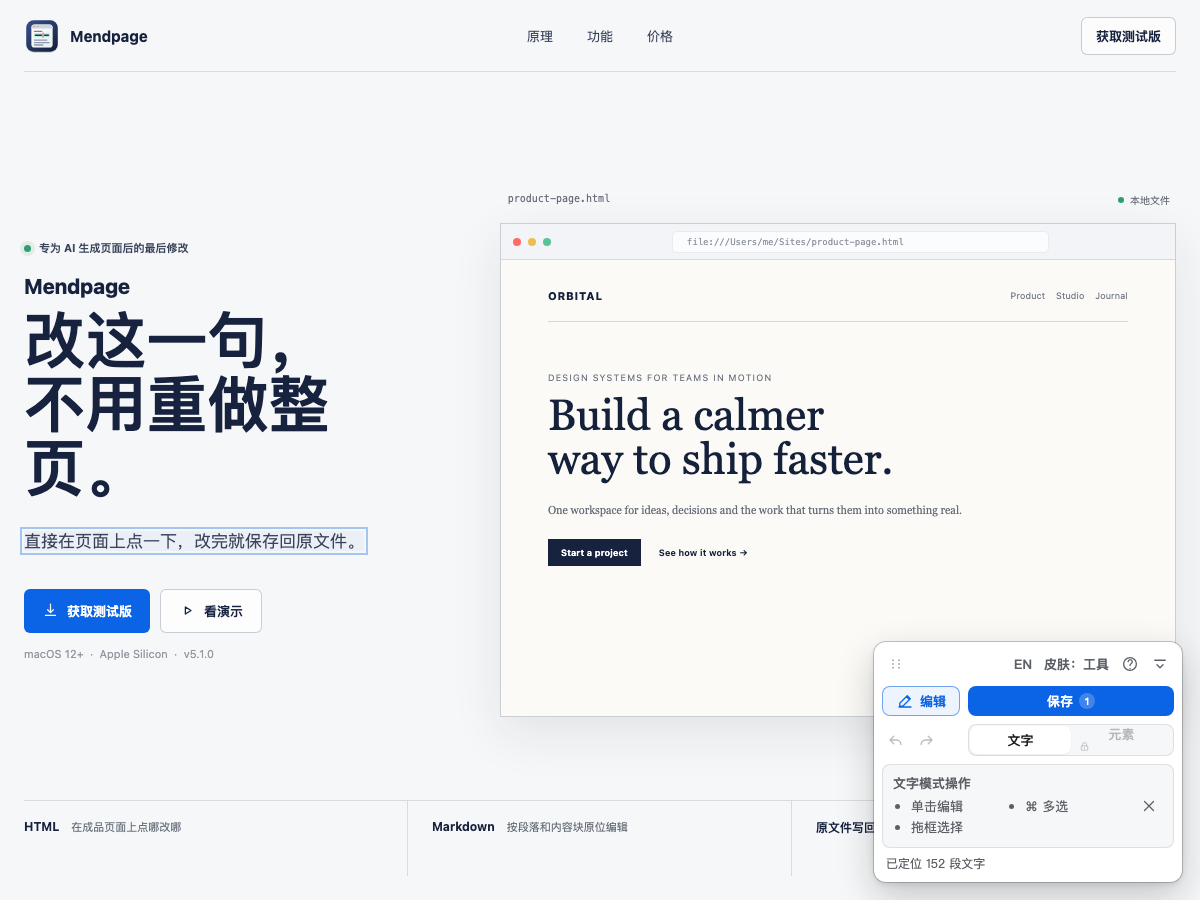
Open a local HTML file and click the visible text to change it. Pro element mode can also move, delete and replace full blocks.
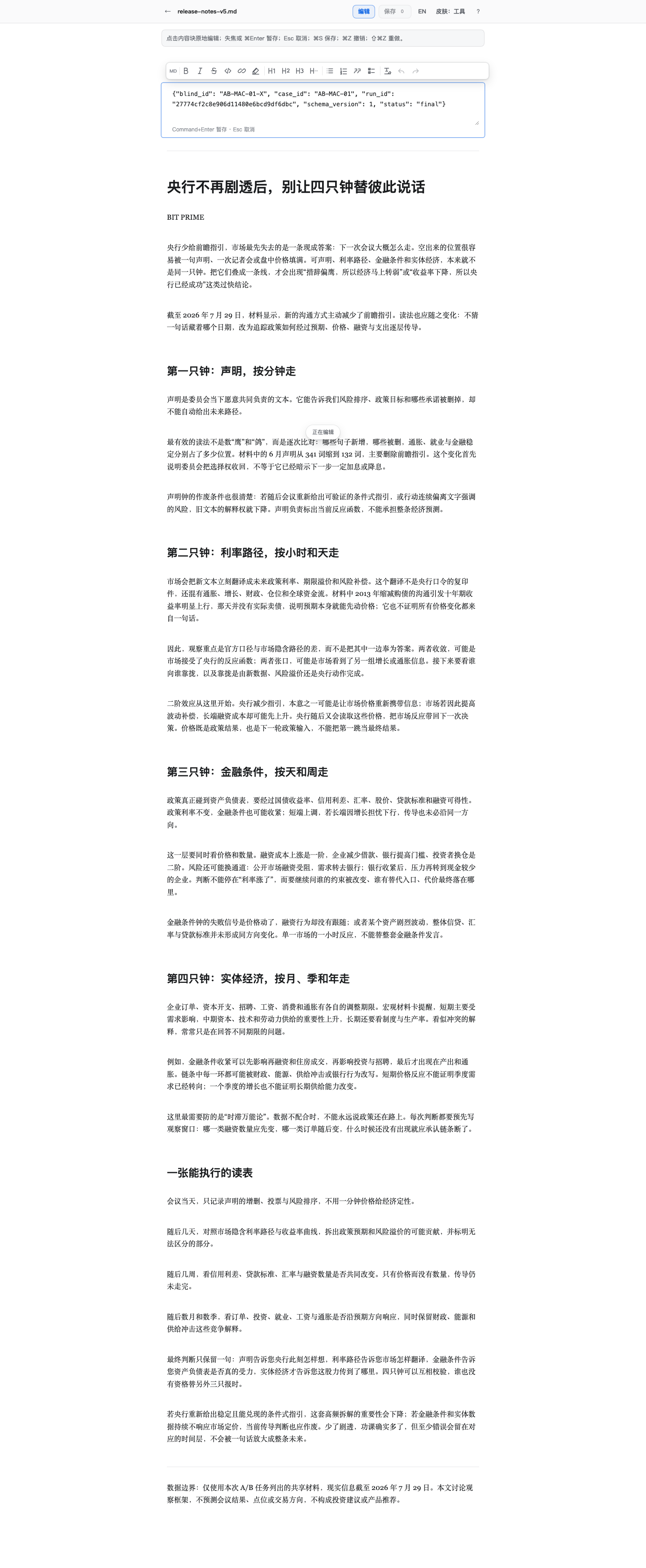
Headings, paragraphs, lists, quotes and code blocks are presented as blocks. Click once to edit; the formatting toolbar appears only when it is useful.
03 / Local first
Mendpage works locally and does not upload your documents. On the first save, it keeps a backup; if another app changed the file, it stops instead of overwriting it.
The service listens only on 127.0.0.1, so your files do not need to pass through the cloud.
The first write-back creates a timestamped .bak copy of the original file.
If the file on disk changed, Mendpage refuses to overwrite external edits.
04 / Let the tool step back
A tool should appear when needed and step back when the work is done. The tone of the page belongs to your content, not the editor.
Classic is clear and dependable. Paper suits long reading. Tool feels like a restrained desktop utility.
05 / Simple pricing
No subscription. Pro is a one-time purchase with current 5.x updates included. You can also try the full feature set for 14 days first.
Use it for as long as you want
One-time purchase, no subscription
Before public sales open, Mendpage will publish a clear refund policy and license delivery flow. For now, you will not be sent to an unfinished payment page.
MENDPAGE 5.1.0
The macOS beta waitlist is open. Public downloads will open after Developer ID signing and notarization checks are complete.